
For movies and PC gaming
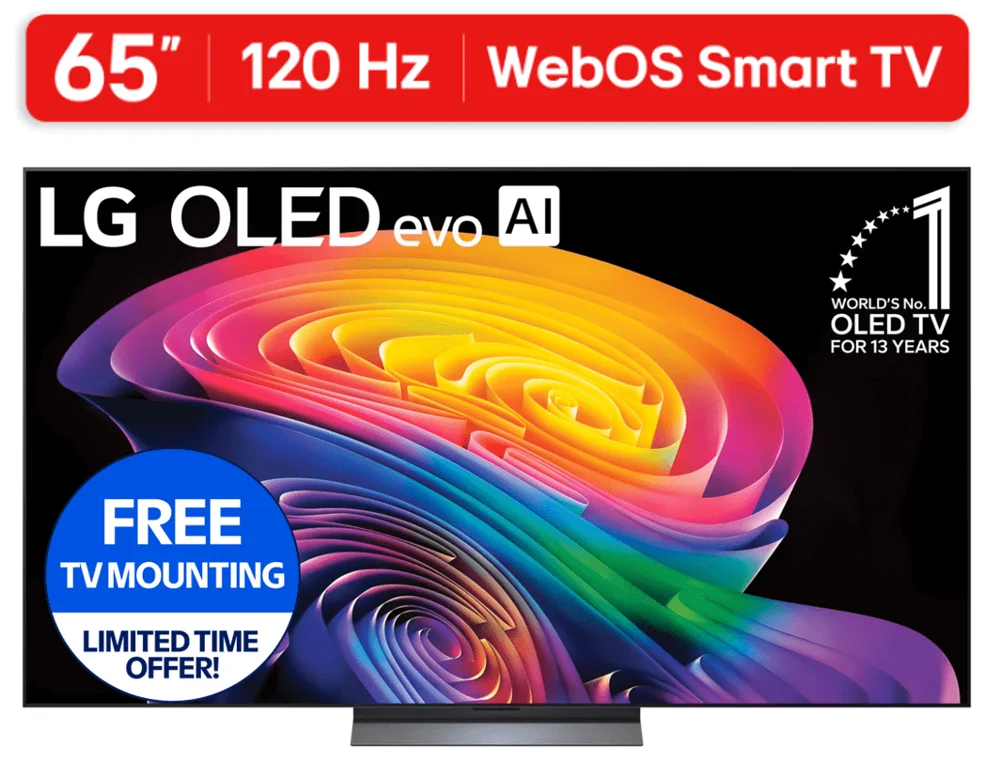
LG C6 OLED
TVMates editorial score9.4 /10Editor's choice
- Display
- OLED
- Resolution
- 4K UHD
- Gaming detail
- Up to 165Hz with a compatible PC
- Smart platform
- webOS 26
- Main buying check
- Source hardware and panel-care needs
THE 65-INCH TV GUIDE
Compare LG C6 OLED, TCL QM51L Mini-LED and Sony BRAVIA 8 OLED for your viewing habits and room.
Compare the three optionsTVMates may earn a commission from qualifying purchases through affiliate links. This is a research-based comparison, not a hands-on test. The animated television is illustrative. Retailers handle orders, delivery and returns.
Two OLED options and a Mini-LED alternative make up this shortlist. The LG has a documented high-refresh PC gaming mode. The TCL takes a different display approach. The Sony pairs OLED with Google TV.
| The shortlist US models | For movies and PC gamingLG C6 OLEDOLED65C6PUA | For a Mini-LED alternative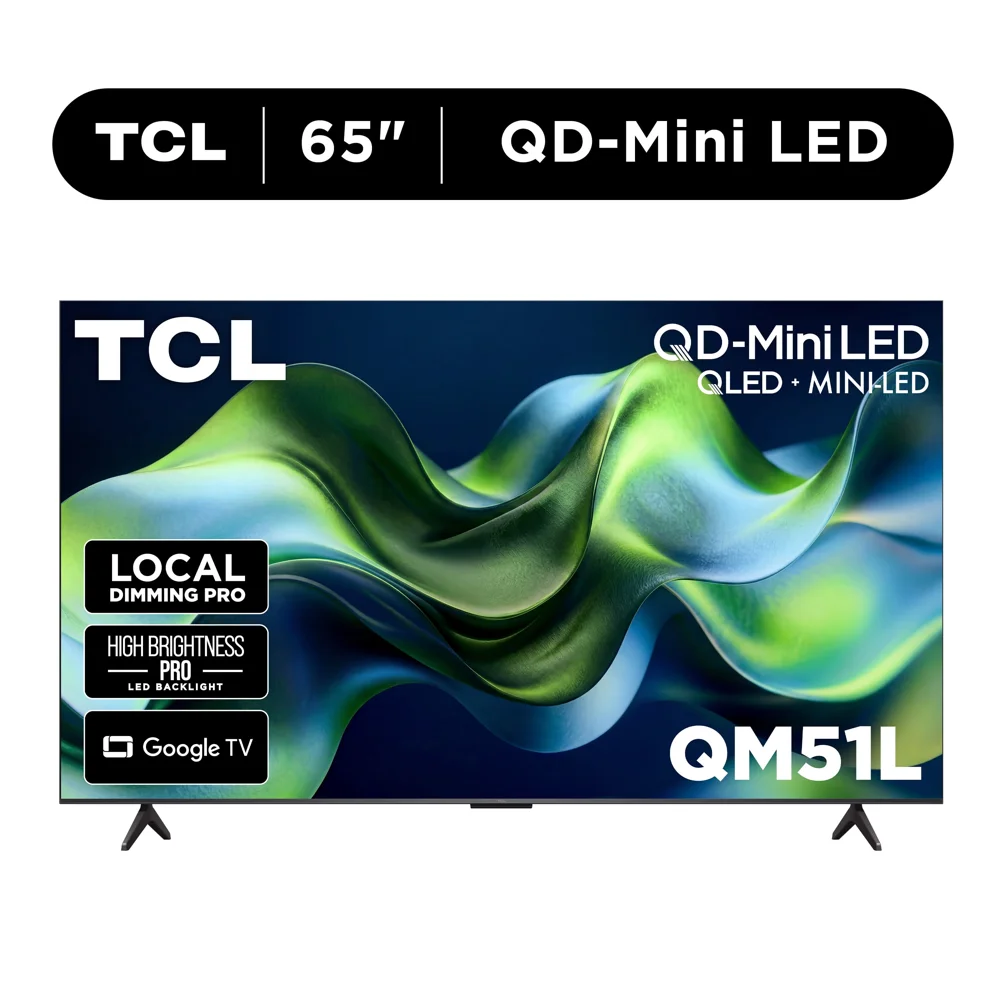 TCL QM51L65QM51L | For OLED with Google TV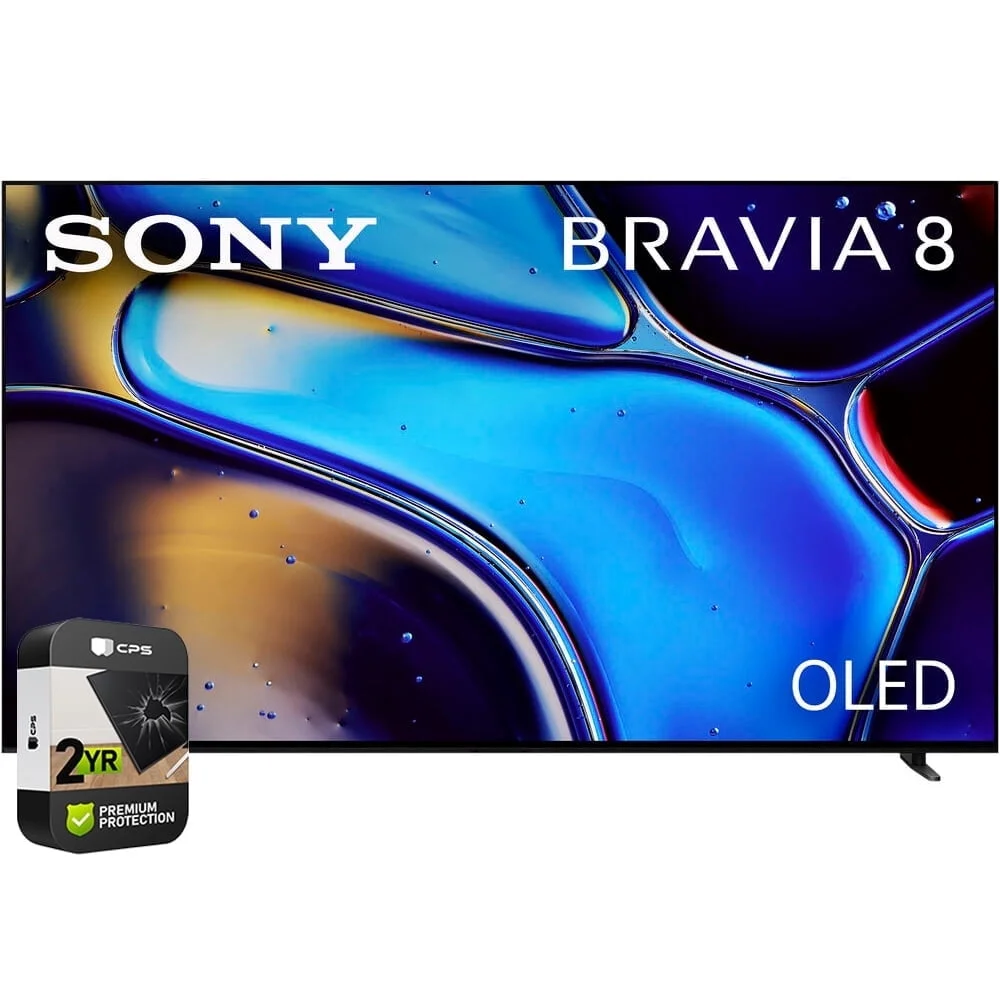 Sony BRAVIA 8K-65XR80 |
|---|---|---|---|
| TVMates editorial score | 9.4/10Editor's choice | 8.6/10Mini-LED alternative | 8.9/10Google TV OLED |
| Display | OLED | QD-Mini LED LCD | OLED |
| Resolution | 4K UHD | 4K UHD | 4K UHD |
| Gaming detail | Up to 165Hz with a compatible PC | Native rate needs confirmation | Check the exact HDMI modes for your console |
| Smart platform | webOS 26 | Google TV | Google TV |
| Main buying check | Source hardware and panel-care needs | Confirm supported gaming modes | Seller, condition and connection requirements |
These specifications-based editorial scores reflect published features and buying caveats, not measured laboratory performance. Match the exact model and seller before buying.
LG’s C6 has an unusually complete published specification for a 65-inch movie-and-PC setup. OLED contrast, flexible connections and well-documented gaming modes make it our editorial lead.
Self-lit pixels enable per-pixel dimming. Dolby Vision and FILMMAKER MODE broaden its movie-friendly feature set.
A 120Hz native panel with VRR up to 165Hz on a compatible PC; LG also lists G-Sync and FreeSync Premium.
Dolby Atmos, webOS 26 and streaming apps make it suited to movies and everyday TV.
You get four HDMI inputs, but 165Hz requires compatible hardware. Measure the stand and follow OLED-care advice.
The C6 is the first model to consider here if you want OLED and also play on a capable PC. LG specifies support for up to 165Hz with compatible PC hardware, alongside NVIDIA G-Sync and AMD FreeSync Premium. That headline does not mean every game, console or input signal will run at 165 frames per second.
Its self-lit pixels and Dolby Vision support make it a relevant movie-night option too. LG's Brightness Booster is a manufacturer feature claim, not a brightness measurement from TVMates. We have not tested these three sets side by side, so this guide does not rank their real-world brightness or motion performance.
Choose the exact OLED65C6PUA listing rather than another size from the same series. Before ordering, check the assembled dimensions and stand footprint against your furniture, and read LG's OLED-care guidance if your viewing includes persistent logos or desktop interfaces.
Product details: LG specifications.
TCL’s QM51L takes the LCD route into 65-inch 4K. Mini-LED local dimming, broad HDR support and Google TV make it a useful comparison to the OLED models.
Mini-LED local dimming differs from OLED’s self-lit pixels; real-world picture results depend on content and viewing conditions.
The linked model lists Dolby Vision, HDR10+, HDR10 and HLG.
A familiar app-led smart interface, with a straightforward route to streaming services.
The Game Accelerator 144 marketing label does not establish a native 144Hz panel. Three HDMI ports also need planning.
The QM51L is the LCD alternative in this group. Its Mini-LED backlight uses local dimming, while the LG and Sony use self-lit OLED pixels. That is a meaningful difference in how the picture is produced, but it is not enough on its own to declare one screen better in every room.
The linked 65QM51L listing specifies Google TV, three HDMI inputs including eARC, and support for Dolby Vision, HDR10+, HDR10 and HLG. If you connect a soundbar through eARC, count that connection before assigning ports to a console, player or set-top box.
Treat 'Game Accelerator 144' and 'Motion Rate 240' as named features rather than proof of a native 144Hz or 240Hz panel. The exact native refresh rate and resolution limits of the accelerated mode were not established in the sources available for this comparison. Confirm those details before choosing it for high-refresh gaming.
Product details: TCL retailer listing.
Sony’s BRAVIA 8 combines an OLED picture system with Google TV. Its documented HDMI modes make it a credible console-friendly alternative to the LG.
A self-lit panel and Dolby Vision support give it a premium picture-technology foundation.
Sony documents 4K/120Hz, VRR and ALLM. HDMI 3 and 4 are the high-bandwidth inputs.
Google TV and Sony’s XR Processor support streaming and its picture-processing approach.
This is a 2024 model. Verify the K-65XR80 variant, seller, delivery, returns and warranty.
The BRAVIA 8 is the OLED alternative to the C6 for readers who prefer Google TV. Sony identifies the 65-inch model as K-65XR80. The linked retailer title shortens that to K65XR80, so match the complete model on the listing before buying.
Sony's XR Processor and XR Triluminos Pro are part of its picture-processing feature set. They do not give us a defensible basis to promise better upscaling, color accuracy or sports performance than the other two televisions without comparative testing.
The linked Walmart offer was sold by Walts TV when checked. Review that seller's delivery arrangements, item condition and return terms rather than assuming every Walmart listing has the same fulfillment conditions. If you use a console and soundbar together, check Sony's exact HDMI input capabilities before committing.
Product details: Sony model support · Sony HDMI input guidance.
A 65-inch label describes the screen diagonally. It does not describe the cabinet width or the space between its feet. Measure the usable furniture top, compare the exact stand footprint and check the furniture's weight capacity. Leave the ventilation clearance specified in the TV manual.
Write down your console, streaming device, disc player and soundbar. A soundbar using ARC or eARC occupies the corresponding HDMI connection. Check which remaining inputs support your required resolution, refresh rate and variable refresh rate.
OLED and Mini-LED describe display technologies, not an overall quality score. Consider room lighting, reflective surfaces, viewing position and the type of content you watch. If audio is also part of the upgrade, compare the connection requirements in our compact soundbar shortlist before deciding on the television.
We compare these exact US models using manufacturer information where available and linked retailer listings. TVMates scores are subjective editorial judgements out of 10: we weigh documented picture features, gaming and connection flexibility, software support and practical buying caveats. These are not hands-on or laboratory-test scores and are not customer ratings.
Retailer-only details are identified in the relevant comparison. We do not treat seller motion labels or AI-generated summaries as independently measured performance. Product information and linked retailer offers were reviewed on November 4, 2026. Prices, sellers and delivery options can change. Check the exact listing and installation instructions before purchase.
No. The size is measured diagonally across the screen. For a 16:9 screen, a 65-inch diagonal is approximately 56.7 inches wide before accounting for the bezel. Use the exact manufacturer's cabinet and stand measurements when checking furniture, doorways and mounting space.
No. LG's advertised 165Hz mode requires a compatible PC graphics card. A console or video source has its own output limits. Check the supported combination of resolution, refresh rate and variable refresh rate in LG's C6 specifications before choosing cables or planning a gaming setup.
Do not use it that way. Game Accelerator 144 and Motion Rate 240 are feature names in the product listing. They do not establish the panel's native refresh rate or confirm 4K at the highest advertised rate. If that capability matters to you, obtain the exact 65QM51L input-mode specifications before buying.
The TCL QM51L and Sony BRAVIA 8 use Google TV. The LG C6 uses webOS. Check the availability of the apps you actually use, including any account or subscription requirements. Having a smart-TV platform does not mean every streaming service is included in the purchase price.
Only if the exact support footprint, furniture load rating and installation instructions allow it. A screen overhanging the sides is a different issue from a foot sitting beyond the usable surface. Measure both, check depth and follow the manufacturer's anti-tip or mounting instructions. Screen width alone cannot establish safe support.
Only if it addresses your audio needs and works with the TV's outputs. Check ARC or eARC support and leave enough clearance to avoid covering the screen or remote sensor. Our three single-bar audio options explain the differences between HDMI, optical connections and included bass hardware.
This is a research-based comparison of the three linked US models, using manufacturer information and retailer listings. It is not a hands-on test. We have not measured brightness, input lag or color accuracy, and we do not assign numerical performance scores.
Consider the C6 if OLED and compatible PC gaming are both priorities.
Revisit LG C6 OLEDConsider the QM51L if you want an LCD alternative and its connections meet your needs.
Revisit TCL QM51LConsider the BRAVIA 8 if you want OLED and prefer the Google TV interface.
Revisit Sony BRAVIA 8